
Sending a parcel: prepare your request and handover

A useful delivery request starts before you open the form. Knowing what you are sending, where it needs to go and who will receive it makes the next steps easier to check. This guide walks through preparation and handover with ikWik, a technology platform that connects senders with eligible carriers, travellers and authorised pickup points.
Available options depend on your locations, eligible participants, capacity and acceptance. Check your proposed delivery in the app or with Support before making arrangements that depend on it. A route suggestion or quote does not guarantee that a carrier will accept or that a parcel will arrive by a particular date.
1. Check the contents and prepare the parcel
Describe the contents accurately, including their condition, value and any handling needs. Check the applicable restrictions before packing. A category in the delivery form is not permission to transport everything that might fit that description. If the contents, dimensions or handling needs are uncertain, ask Support before submitting.
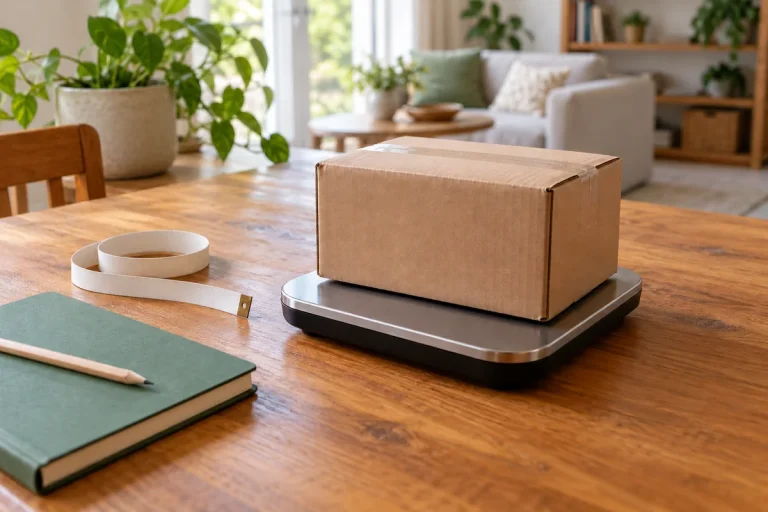
As a practical preparation step, use packaging suited to the item and the journey. Protect the contents against movement and check the outer packaging for damage. Measure and weigh the packed parcel, rather than relying on the dimensions or weight of the item alone. These measurements help you describe the space the parcel actually needs.
- Record the packed weight and dimensions.
- Prepare an accurate description of the contents and condition.
- Keep a clear photo if it will help explain the parcel or a later issue.
- Check delivery-specific requirements before assuming the parcel can be accepted.
2. Confirm the receiver and both map locations
Have the receiver’s name and phone number ready, and check them with the intended receiver. Ask whether they can be available for the proposed arrangements. You can include a delivery window in the request, but entering one does not establish a guaranteed arrival time.
For pickup and destination, inspect the map pin carefully. A familiar address label can still place a pin at the wrong entrance or nearby street. Confirm that each selected point represents the intended location. Device location is an option if you allow access; where address search is available, check its result on the map.
Before submitting, compare the form with your notes: receiver details, both locations, package weight, size and category. Add a photo or other requested information where useful. Complete any verification steps the app requires through the secure process provided.
3. Review the route, quote and payment status
Review the proposed route and quoted amount before paying. Depending on availability, a parcel may travel directly with an assigned carrier or through authorised pickup points. Check the arrangements shown for your delivery rather than assuming a nearby shop is an ikWik pickup point.
Use available Credits or a checkout option shown for your account and location. After checkout, inspect the payment status. Returning from the payment page alone does not confirm success: the payment provider must confirm the payment. If the result is unclear, contact Support with the relevant reference before trying again.
Follow the request’s status for the next step. A carrier must explicitly accept an opportunity. Payment, a proposed route and an accepted assignment are different parts of the process; follow the instructions displayed for the current delivery stage.
4. Follow the recorded handover
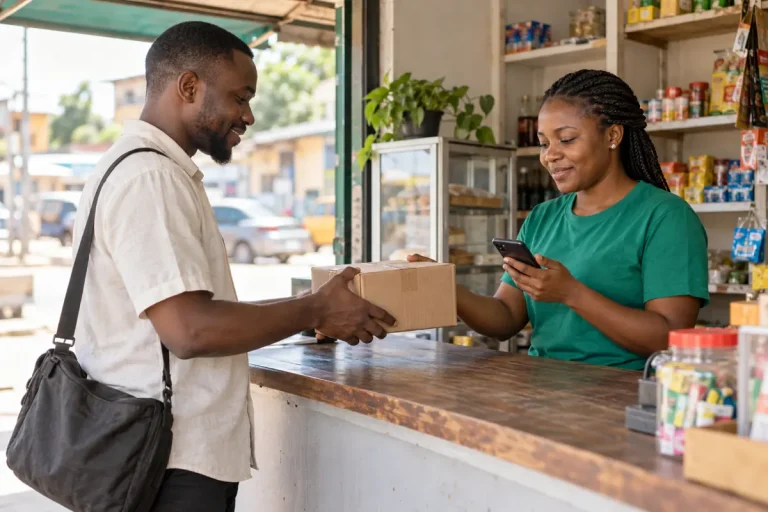
At collection or deposit, follow the actions shown for your delivery. An authorised pickup-point agent may register and inspect the parcel and request evidence before accepting it. Follow the requested QR, code or photo steps when applicable. Do not arrange an unrecorded transfer or confirm a handover that has not happened.
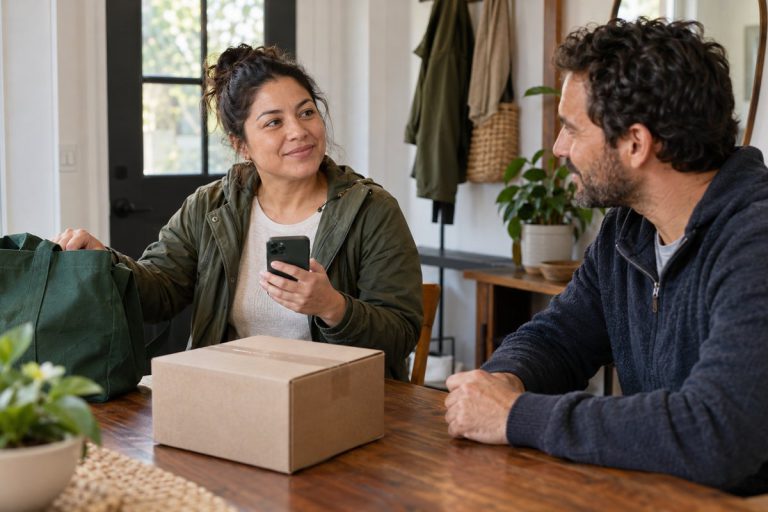
Share the private tracking link only with the intended receiver. They can follow confirmed updates without creating an account. Explain that tracking records delivery events rather than continuous GPS movement. The receiver should present their collection QR or code only to the authorised carrier or agent, at the correct stage, while physically receiving the parcel.
5. Keep the reference and ask for help early
Keep the delivery reference available. If a parcel is delayed, damaged or refused, or the receiver cannot collect it, contact in-app Support with the reference, a clear description and relevant photos or messages. Do not bypass verification when a collection code is missing or fails.
Self-cancellation is available only at eligible stages before physical custody. Later changes require Support review. Neither a request for help nor a handover record guarantees a refund, compensation or insurance cover.
For more detail, read the sending FAQ and tracking and handover guidance. When your details are ready, open ikWik to check the options for your delivery.

5 Comments